QR codes have become an essential tool for businesses, marketers, and individuals looking to share information quickly and efficiently. From directing customers to websites and digital menus to enabling contactless payments and event check-ins, QR codes offer a fast and convenient way to connect the physical and digital worlds.
The best part is that creating a QR code is easier than ever. With the help of modern QR code generators, anyone can generate custom QR codes for URLs, contact details, social media profiles, promotions, and more in just a few simple steps.
Whether you’re creating QR codes for marketing campaigns, business materials, or personal projects, understanding how they work can help you maximize their effectiveness.
In this guide, you’ll learn everything you need to know about how to create a QR code, including the different types of QR codes, best practices for design and customization, and tips for ensuring your codes are easy to scan and track.
Table of Contents
- What are QR Codes?
- Benefits of QR Codes
- Creating QR Codes
- Customizing QR Codes—the essentials
- Uses of QR Codes
- How to Create a QR Code on QR.io
- Wrap-Up
What are QR Codes?
QR codes, short for Quick Response codes, are versatile two-dimensional barcodes that store information accessible via a simple scan. Originally developed in 1994 by Denso Wave, a Japanese company, QR codes have become a staple in mobile marketing and digital communication.
Unlike traditional barcodes, QR codes can hold a variety of data types, such as website URLs, contact details, or plain text, making them highly adaptable for different uses.
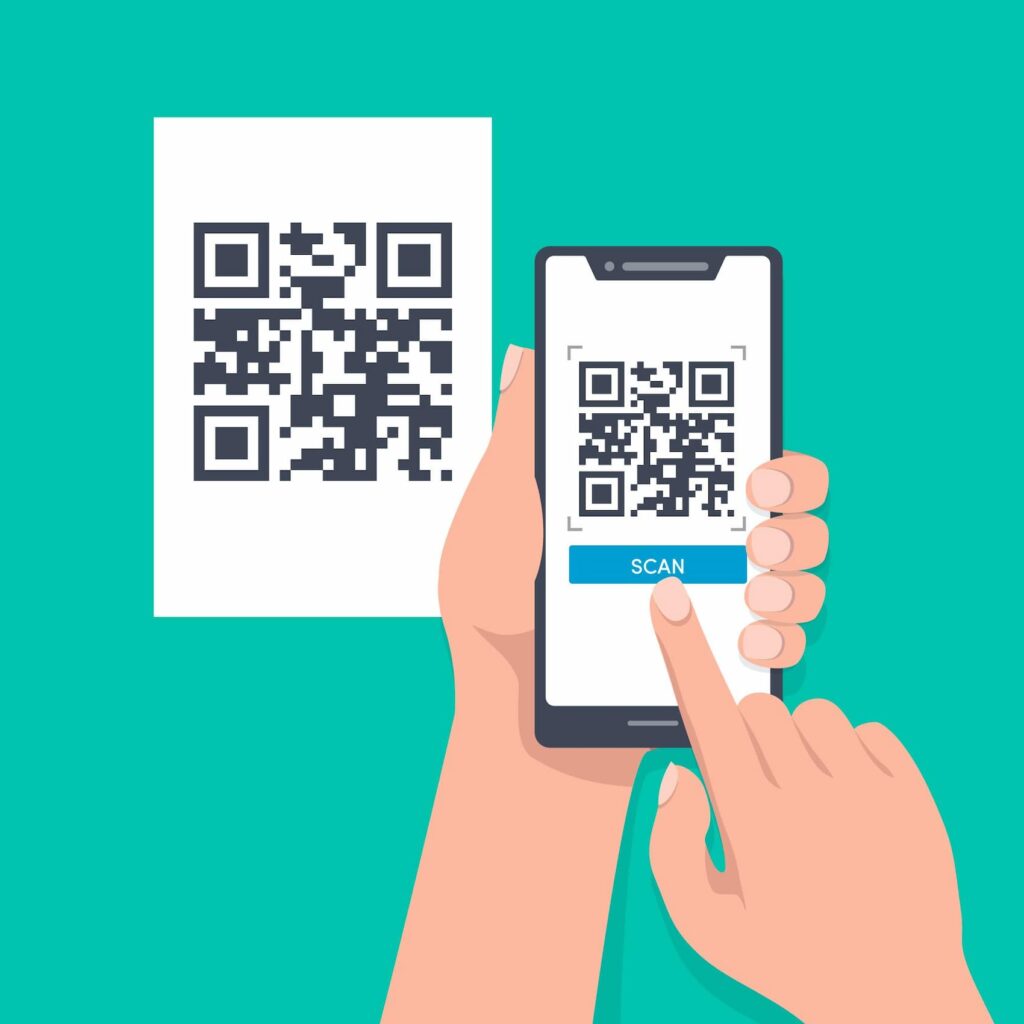
To create a QR code, individuals and businesses often use a QR code generator. These tools allow users to generate a free QR code or design a custom QR code that incorporates a company logo or unique branding elements.
Whether you want to create a QR code for your website, a marketing campaign, or to share contact information, QR code generators make the process quick and accessible. The ability to create a QR or customize a finished code has made QR codes an essential tool for anyone looking to provide instant access to digital content.
Benefits of QR Codes
Driving Customer Engagement and Conversions
For example, placing a QR code on printed materials or digital ads can direct users to a website, contact page, or special landing pages, increasing the likelihood of conversions and sales.
Tracking Performance and Customer Insights
One of the standout advantages of QR codes is their ability to track scan statistics, providing valuable insights into customer behavior and campaign effectiveness. Businesses can use QR codes to gather feedback, offer additional information, and monitor how often their codes are scanned for marketing purposes.
Customization and Brand Consistency
Customizing the color palette and design of landing pages linked to QR codes ensures a seamless and branded user experience. Overall, QR codes are a powerful tool for enhancing accessibility, tracking engagement, and optimizing marketing strategies.
Creating QR Codes
Downloading and Using QR Code Images
The tool will then produce a unique QR code image that can be downloaded in various formats, including PNG, SVG, or PDF. This flexibility allows you to use your QR code on a wide range of printed materials, from business cards and brochures to posters and product packaging.
Ensuring QR Codes Are Scannable
When you generate a QR code, it’s important to ensure the code is scannable and visually clear. This means choosing a QR code design with enough contrast between the code and its background, and avoiding overly complex graphics that could interfere with scanning.
Customizing QR Code Designs
Many QR code generators also allow you to customize your code by adding a logo, icon, or other branding elements, making your QR code image both functional and visually appealing.
Customizing QR Codes—the essentials
Customizing your QR codes can significantly boost their effectiveness and appeal. With a QR code generator, you can create a custom QR code that features your company logo, brand colors, and other distinctive design elements. This not only reinforces your brand identity but also makes your QR codes more recognizable and engaging to users.
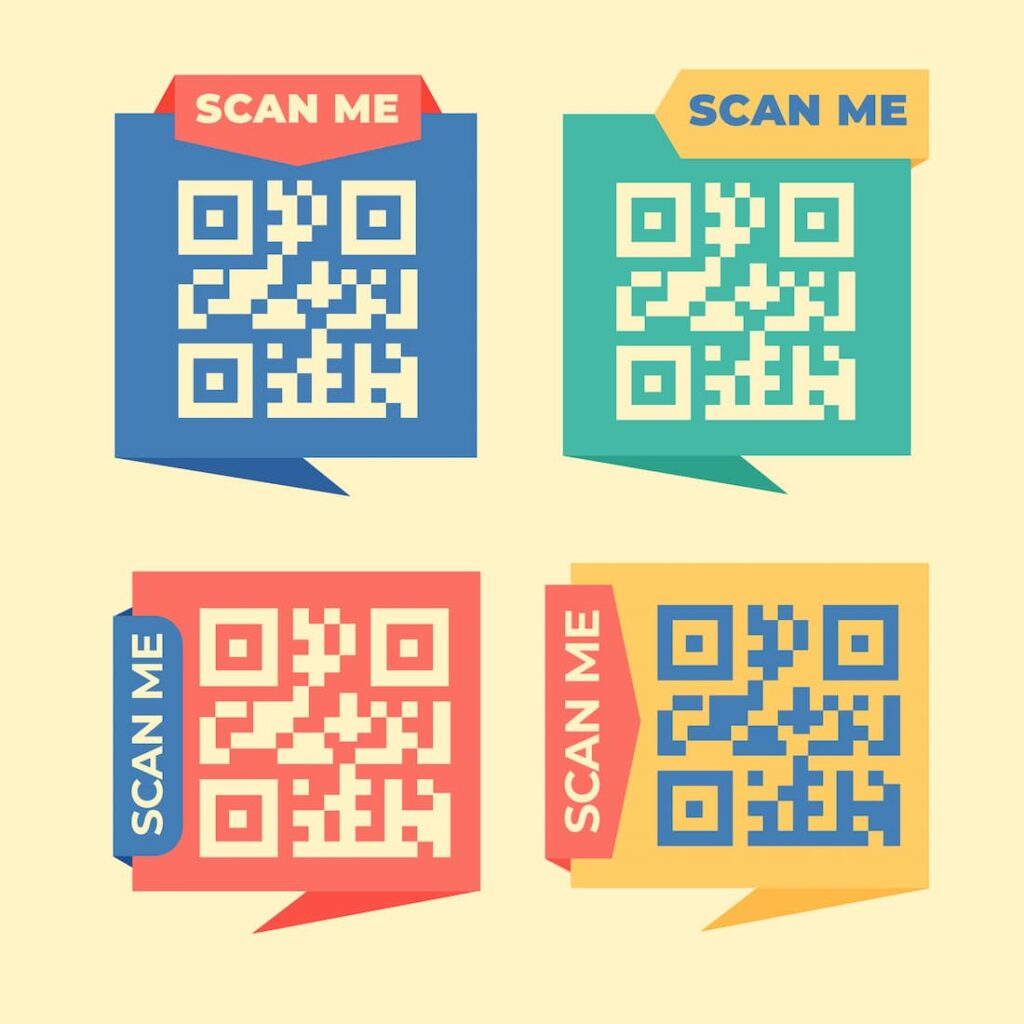
There are different QR code types to choose from, including static QR codes and dynamic QR codes. Static QR codes are fixed and cannot be changed once created, making them ideal for permanent information.
Dynamic QR codes, on the other hand, can be edited and updated even after they’ve been printed or distributed, offering greater flexibility for marketing campaigns and commercial purposes.
By customizing your QR code with additional information, such as contact details or a call-to-action, and experimenting with colors, shapes, and graphics, you can increase the likelihood of more scans and greater customer interaction.
Uses of QR Codes
The applications for QR codes are vast and continually expanding. In mobile marketing, QR codes are used to direct customers to websites, landing pages, or promotional offers with a single scan, providing instant access to valuable information.
They’re also popular for creating interactive experiences, such as scavenger hunts, games, or event check-ins, enhancing customer engagement and brand loyalty.
Beyond marketing, QR codes are used to display menus, schedules, maps, and other essential information, making them a convenient tool for both businesses and consumers. They can also be used to gather feedback, track scan statistics, and monitor how customers interact with your brand.
With a QR code scanner, users can quickly access the content embedded in the code, making it easy to connect and share information. To explore the possibilities, you can search for a QR code generator online and create a free QR code to see how it can benefit your business or personal projects.
How to Create a QR Code on QR.io
Step 1. Select the QR code and enter the information
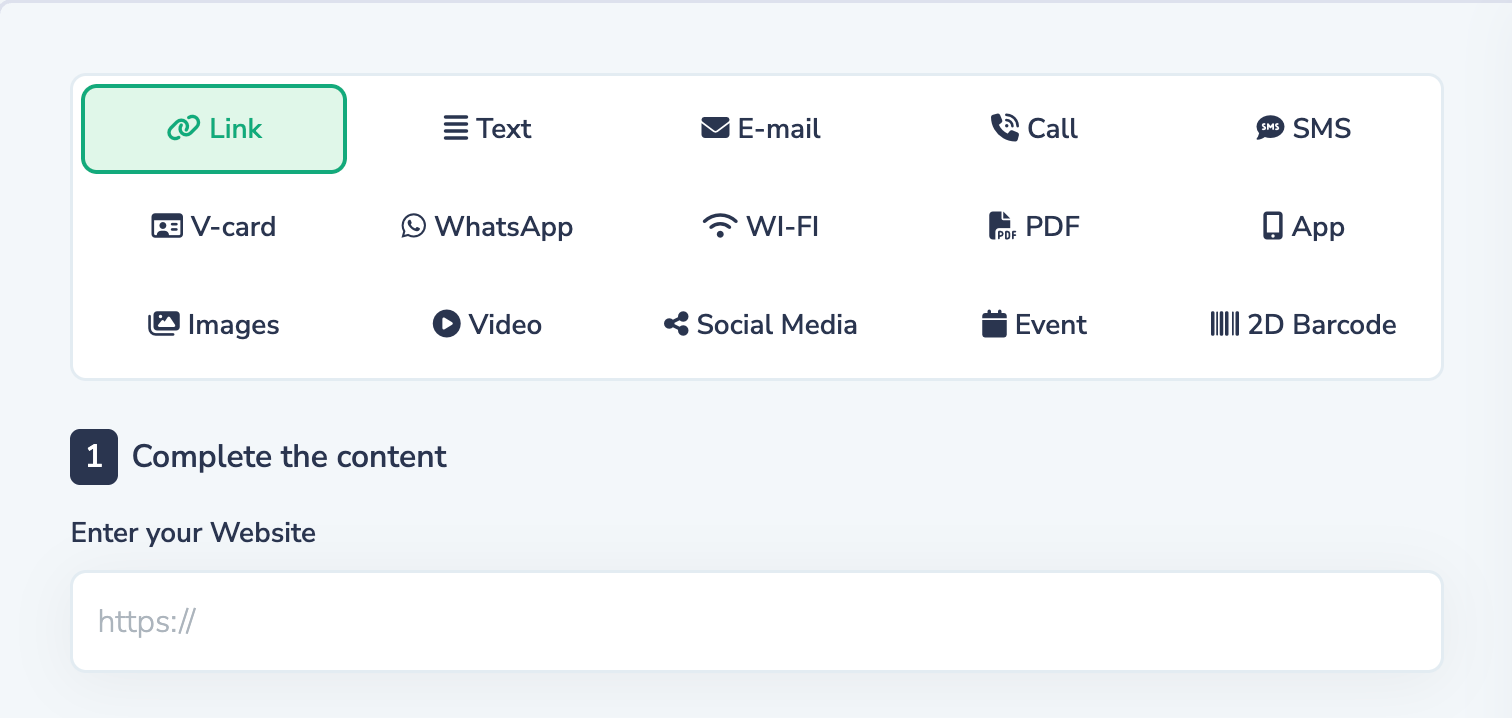
Include links, files, contact details, and any other data type you want the code to link to.
Step 2. Select the design type
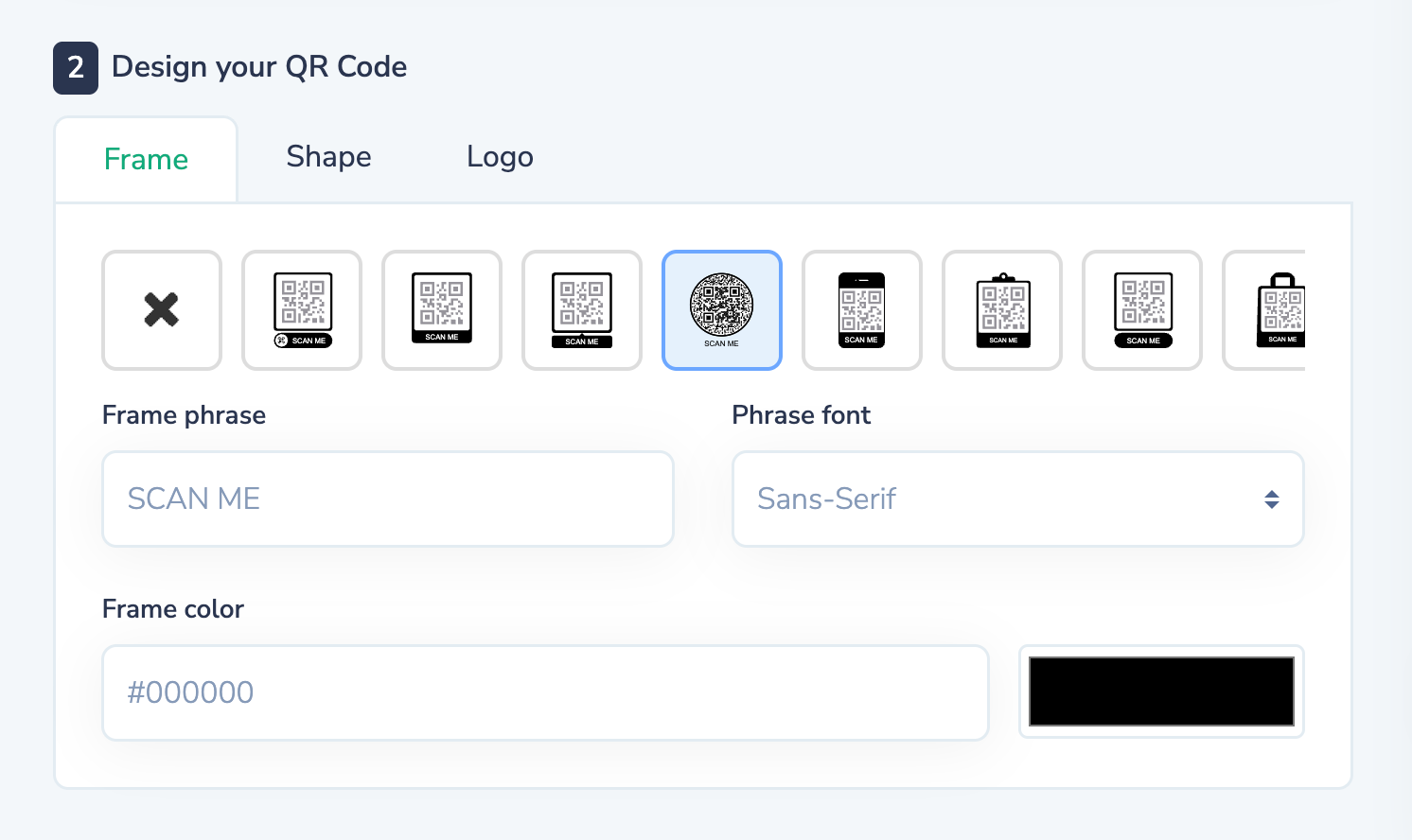
Step 3. Customize color and add your logo
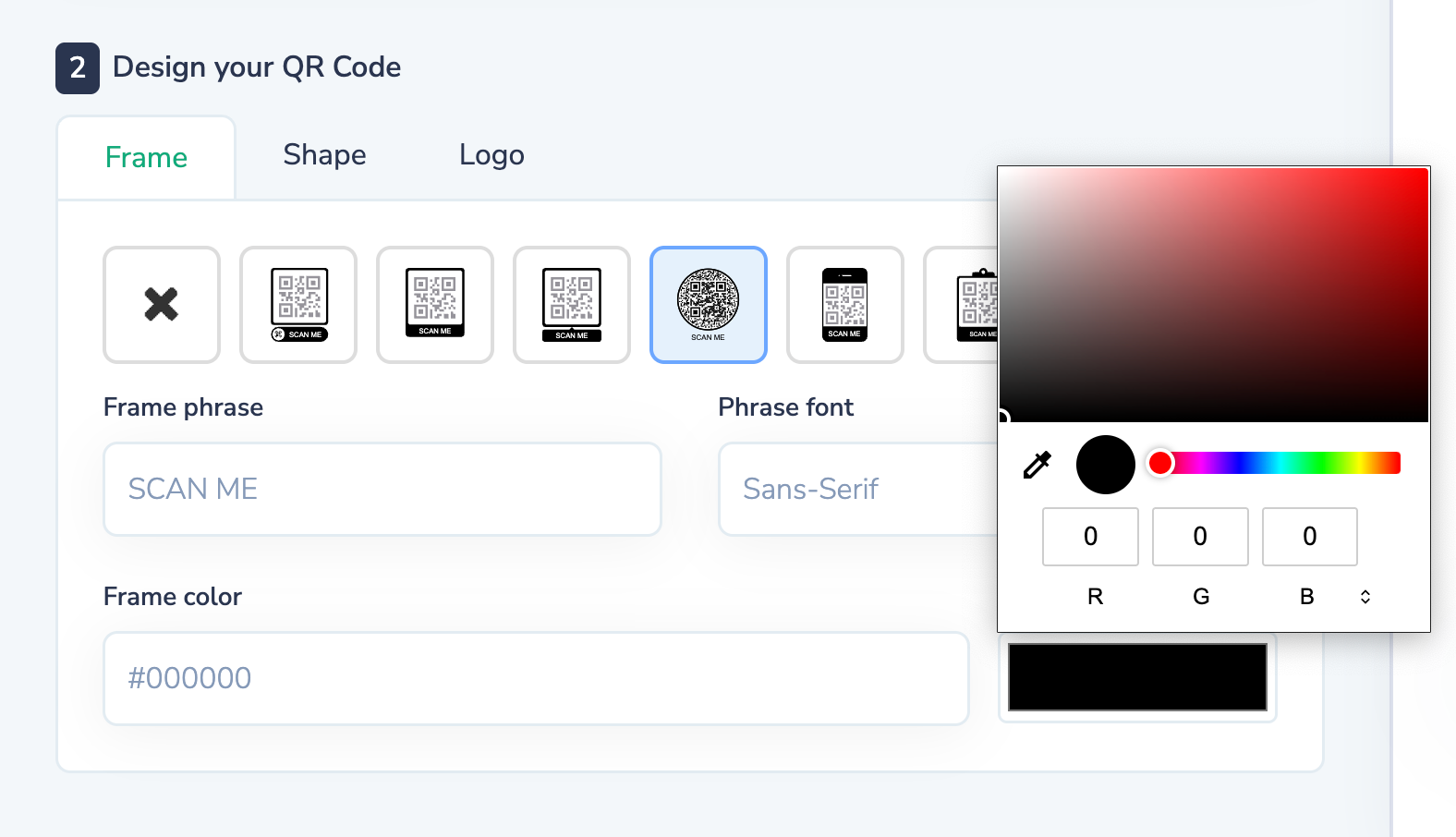
QR code preview, advanced customization options to add your brand colors.
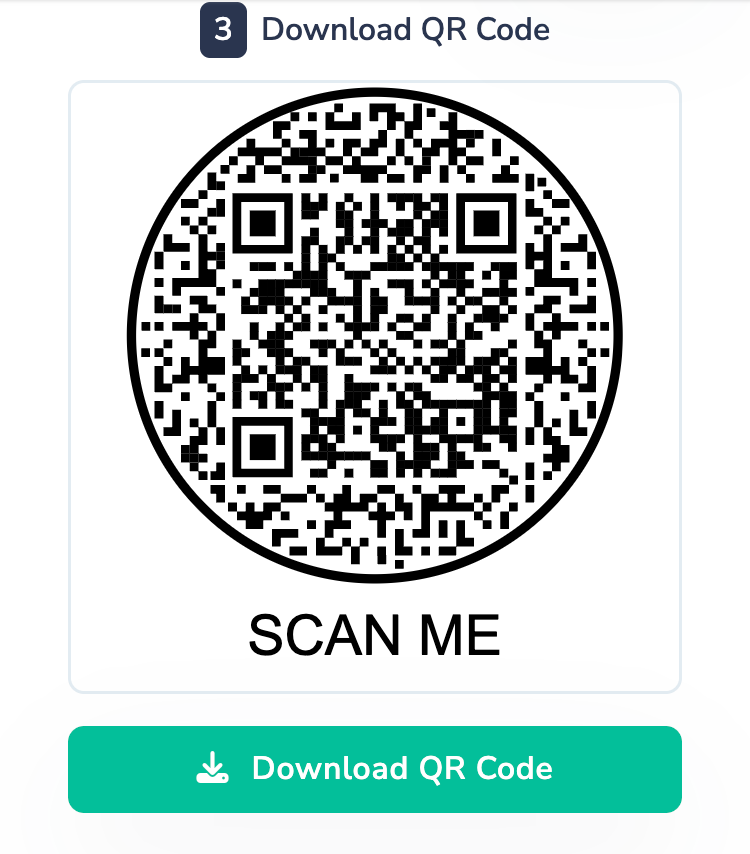
Step 4. Click on “download”
Wrap-Up
The code will be saved in your dashboard if you have a QR.io account. Make sure you select the right format according to your printing needs.
QR codes are a simple yet powerful way to share information, engage customers, and enhance both digital and offline experiences. Whether you’re using them for marketing campaigns, business operations, event management, or personal projects, creating a QR code can help streamline communication and improve accessibility.
By choosing the right QR code generator, customizing your design thoughtfully, and ensuring your code is easy to scan, you can create effective QR codes that deliver real value to your audience. From linking to websites and landing pages to tracking scan statistics and customer engagement, QR codes provide endless possibilities for businesses and individuals alike.
As QR technology continues to grow in popularity, now is the perfect time to start exploring how QR codes can support your goals and create more interactive experiences for your users.